Digital Signage Security: 6 Ways to Protect Your Screens

Why digital signage security matters
In May 2017, screens in the main hall of Washington D.C.'s Union Station showed adult content after the signage system was compromised. Travellers filmed it, the clips spread on social media, and the incident became national news. Digital signage security had been an afterthought for many owners until that day.
A signage player is a networked computer in a public place. If it can be reached, it can be attacked. Security deserves the same weight as price, design and ease of use when you choose a system, because the cost of a breach is paid in both IT effort and brand reputation.
1. Choose a system built on a secure operating system
Linux is widely used where security and stability matter, from servers to industrial equipment. Embedded Linux players are a much smaller target for mass attacks and ransomware than consumer desktop systems, and they do not need antivirus software running in the background.
2. Use a professional signage system, not a consumer device
Pick a system designed only for digital signage. Consumer features and unused system services should be removed or locked, there should be no desktop for passers-by to reach, and it should not be possible to install or run other programs on the device.
3. Change default passwords and control access
Always replace the default password before a player goes live. Use at least 8 characters with upper and lower case letters, numbers and symbols. Give every user their own account with only the permissions they need, rather than sharing one login across a team, and restrict management access to specific IP addresses where possible.
4. Disable functions you do not use
Every open port is a possible way in. If you do not need USB access, wireless networking, location services or file-sharing services such as Samba or FTP, switch them off.
5. Encrypt connections and use a firewall
When players, servers and content sources talk to each other over a network, the traffic should be encrypted, for example with HTTPS. Place players behind a firewall so they cannot be reached from the internet on ports they do not need. Players with two network ports can also keep the signage network separate from a public or guest network.
6. Keep the hardware out of reach
Install players in a ventilated space that needs a key or tool to open, such as a locked cabinet or a mount at least 2 metres above the floor. If someone can plug in a keyboard or USB stick, every other measure can be bypassed.
How CAYIN approaches signage security
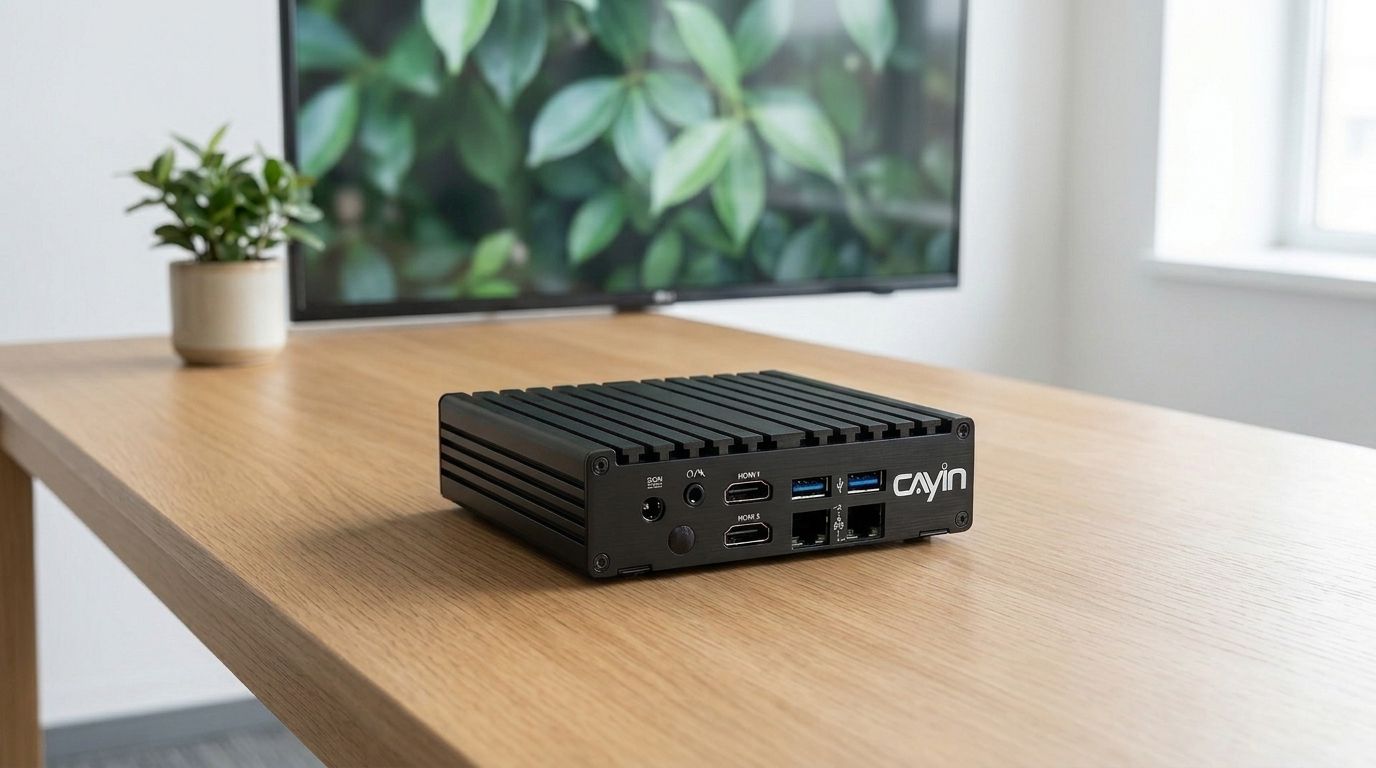
CAYIN develops its own Linux-based platform designed only for digital signage. SMP players have no general-purpose desktop, so malware cannot be installed through one. Administrators can turn off functions they do not need, create separate accounts and passwords, and allow management only from specific IP addresses. Players such as SMP-2200 support HTTPS connections and dual LAN ports with firewall protection, and both SMP players and CMS-SE receive regular security updates.
Frequently asked questions
Is Linux more secure than Windows for digital signage?
For a dedicated signage player, an embedded Linux system is usually easier to secure: it runs only what signage needs, has no desktop for users to reach, and is far less targeted by mass malware and ransomware than consumer Windows PCs.
Should digital signage players be connected to the internet?
Only if they need to be, for example to fetch web content or be managed remotely. When they are, use encrypted connections such as HTTPS and keep them behind a firewall so only the required ports are open.
What is the most common digital signage security mistake?
Leaving the default password in place. Change it before the player goes live, use a strong password, and give each person their own account.
Do I need antivirus software on a digital signage player?
Not on a locked-down embedded player that cannot install or run other programs. Antivirus is mainly needed when signage runs on a general-purpose Windows PC.
How does CAYIN keep SMP players secure?
SMP players run CAYIN's own Linux-based system with no general-purpose desktop. You can disable unused functions, set separate accounts, restrict access by IP address and use HTTPS, and CAYIN provides regular security updates.
CAYIN Technology in Brief
CAYIN Technology is a 22-year professional digital signage solution and software developer from Taiwan. By offering a complete portfolio of appliance-based digital signage solutions, CAYIN dedicates itself to being a reliable partner to clients worldwide and has successfully set up various applications globally. In order to best facilitate the deployment of its products, the company also provides tailored services to satisfy the ever-growing market demand for almost limitless applications.